How to Extract Text from a Scanned PDF: Image OCR Steps
Learn how to save scanned PDF pages as images for OCR, review the text and choose a suitable export. Direct image-only PDF OCR is not supported.
 Menu
Menu
Extract selectable text from a PDF and save it as editable Word document. Free uploads up to 4MB, one file at a time. Image-only scanned PDFs need to be converted to images before OCR.
One file at a time · Free: 3 conversions/day, up to 4MB · PDFs with selectable text; image-only scans need an image upload
A DOCX export gives you a working document you can revise: change a heading, update a paragraph or reuse text in a new draft. This converter reads the text already embedded in a PDF and reconstructs basic rows and tables for Word.
It does not reproduce the original document design. Check page breaks, column order and table cells after opening the DOCX. Images, signatures, custom fonts and decorative elements may not transfer. Keep your original PDF for reference.
For a scanned contract or photographed page, save the page as a JPG or PNG and use Image to Word instead. Direct uploads of image-only PDFs are not supported.
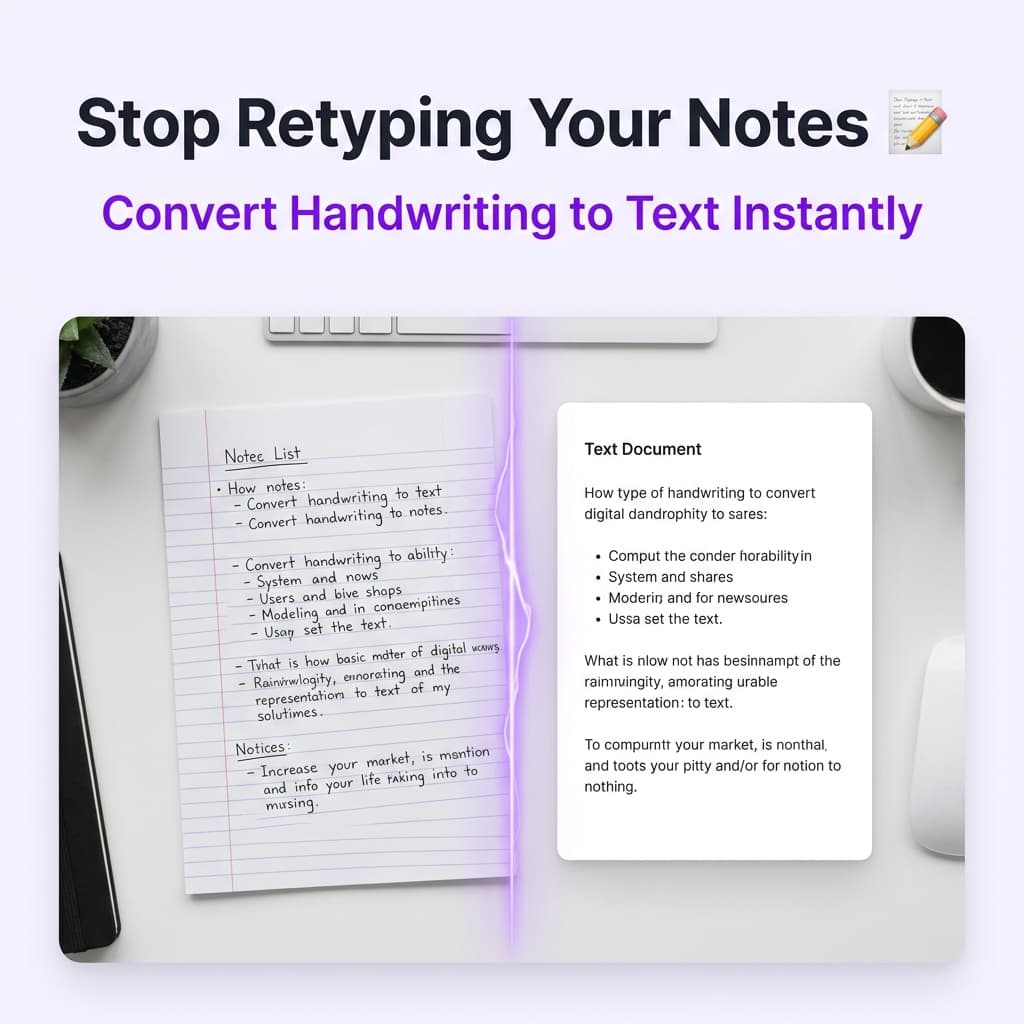
Start with a clear source, then check the output.
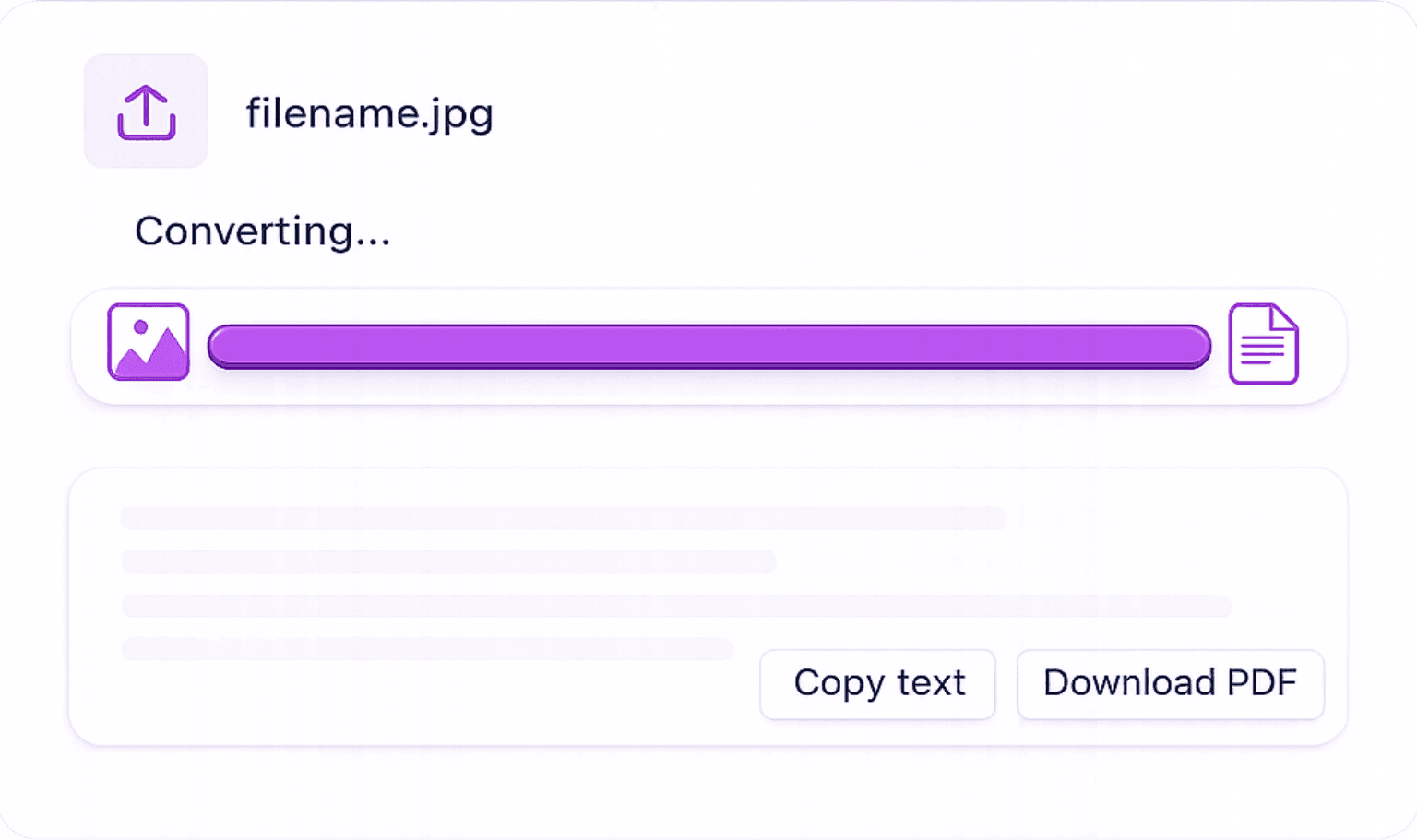
Upload one PDF: Choose a document with selectable text, within your upload allowance.
Read the extracted result: Check spelling, reading order, names and numbers against the source.
Download the result: Save your editable Word document and open it to check the final formatting.
Choose this tool when you need the text from your document.
Open the downloaded document in a compatible word processor and revise the extracted text. Check the document before sharing it.
Text rows and simple table cells are rebuilt from PDF positions. Dense columns, footnotes and complex tables may need manual cleanup.
Upload through your browser and download the Word file. Free use includes three conversions per day and files up to 4MB.
Preserve the original file and use the conversion as an editable working copy.
Draft revisions: Bring text from a digital PDF into Word, then edit paragraphs and headings.
Tables and columns: Inspect the DOCX for shifted cells, missing graphics and changed page breaks before sharing.
Records: Copy names and reference numbers, then verify every character before filing.
Supported inputs, output limitations, free use and processing.
Learn how to save scanned PDF pages as images for OCR, review the text and choose a suitable export. Direct image-only PDF OCR is not supported.
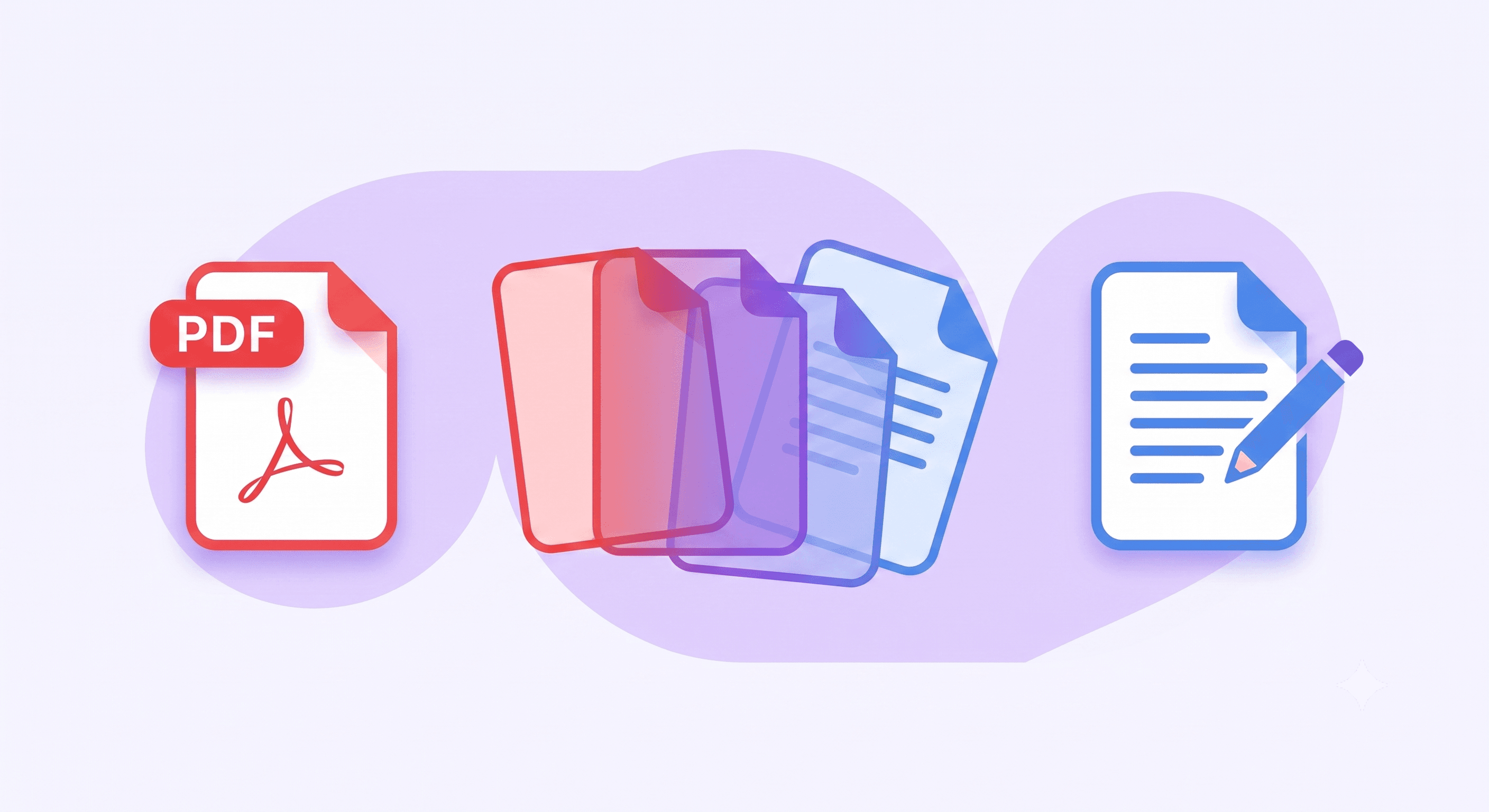
Convert selectable PDF text to Word, handle scans through image uploads, and check the formatting before using the result.