
Convert a Picture to an Editable Word Document (Free)
Turn a photo or scan into an editable .docx in three steps — and see exactly which formatting survives the conversion: paragraphs, tables, columns, and what to fix by hand.
 Menu
Menu
Upload any image and our OCR engine reads the text and builds a fully editable Word document. Stop retyping. Upload your JPG, PNG, or photo of a handwritten note and download a clean .docx file ready for Microsoft Word or Google Docs.
Upload one file at a time. Free: 3 conversions/day, up to 4MB. Images use online OCR.
Upload an image, review the recognized text, and save an editable document.
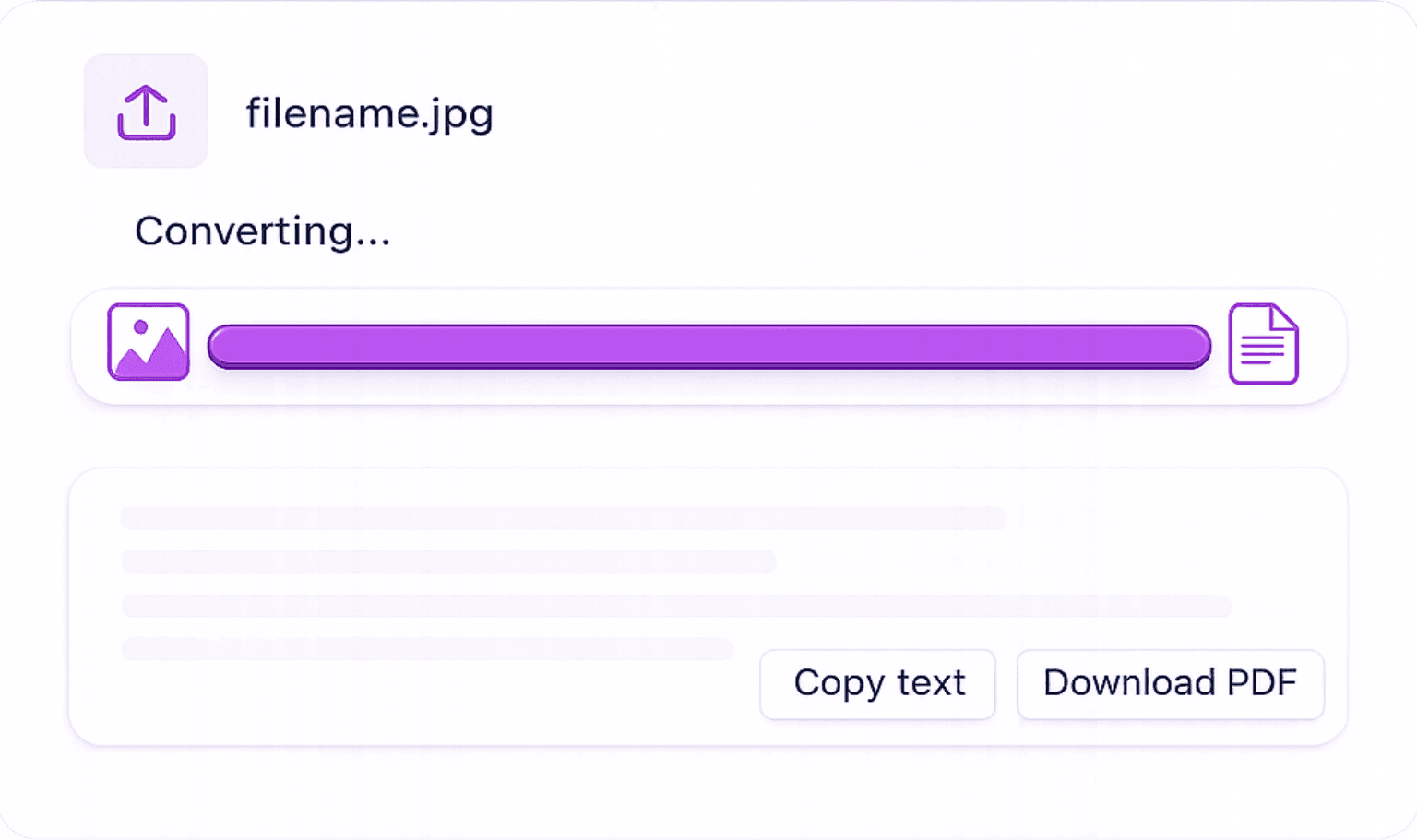
Upload Your Image: Select your JPG, PNG, WEBP, BMP, TIFF, or PDF file. Our tool accepts all major image formats and scanned documents.
AI OCR Extracts & Structures the Text: Our AI reads every character in the image, handling printed text, tables, and multi-column layouts, and structures it into clean, readable output.
Download as DOCX: Click the Word button to download a .docx file. Open it immediately in Microsoft Word, Google Docs, or LibreOffice, fully editable, no formatting locked.
Built for accuracy, speed, and zero friction, no account walls, no watermarks, no per-use fees.
Converts both cleanly printed text and handwritten notes to editable DOCX format with high accuracy.
Works with JPG, PNG, WEBP, BMP, TIFF, GIF, and PDF files. One tool for every image format.
You don't need Word installed to convert. Use the tool online, then open the downloaded .docx in any compatible application.
Images are sent over HTTPS to our server and Google Cloud Vision for OCR. Review the extracted text in your browser. See the security page for processing and account-data details.
Any image with text that needs editing is a candidate. These are the most common scenarios our users solve every day.
Edit Text That's Locked Inside an Image: PDFs shared as images, scanned forms, and photos of documents are uneditable, until you convert them to Word.
Convert Scanned Contracts to Editable DOCX: Legal and business documents received as scanned images can be converted to Word for review, annotation, and editing without retyping.
Digitise Printed Forms: Convert photos of paper forms to Word documents, fill them in digitally, and send them back, eliminating the print-sign-scan cycle.
Turn Book Pages into Editable Manuscripts: Convert photos of book pages, articles, or printed reports into editable Word documents for quoting, research, or adaptation.
Whiteboard & Flipchart Notes: Photograph whiteboard content from meetings and convert to a Word document for sharing and archiving.
Everything you need to know about turning images into editable Word documents — formats, accuracy, and privacy.
Turn a photo or scan into an editable .docx in three steps — and see exactly which formatting survives the conversion: paragraphs, tables, columns, and what to fix by hand.
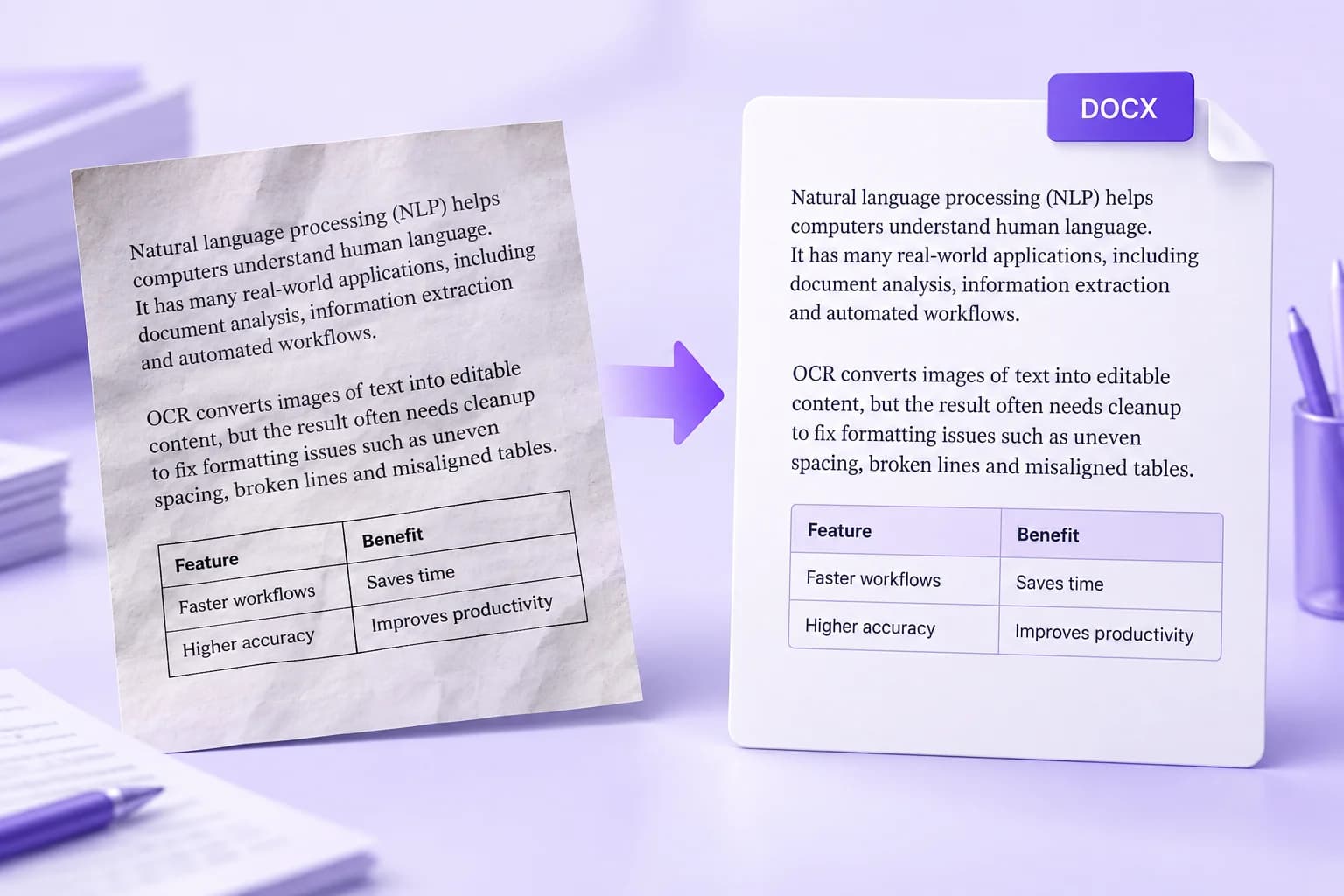
An editable document is a starting point. Learn which formatting problems to fix first and how to turn OCR output into a Word file that is easier to update.