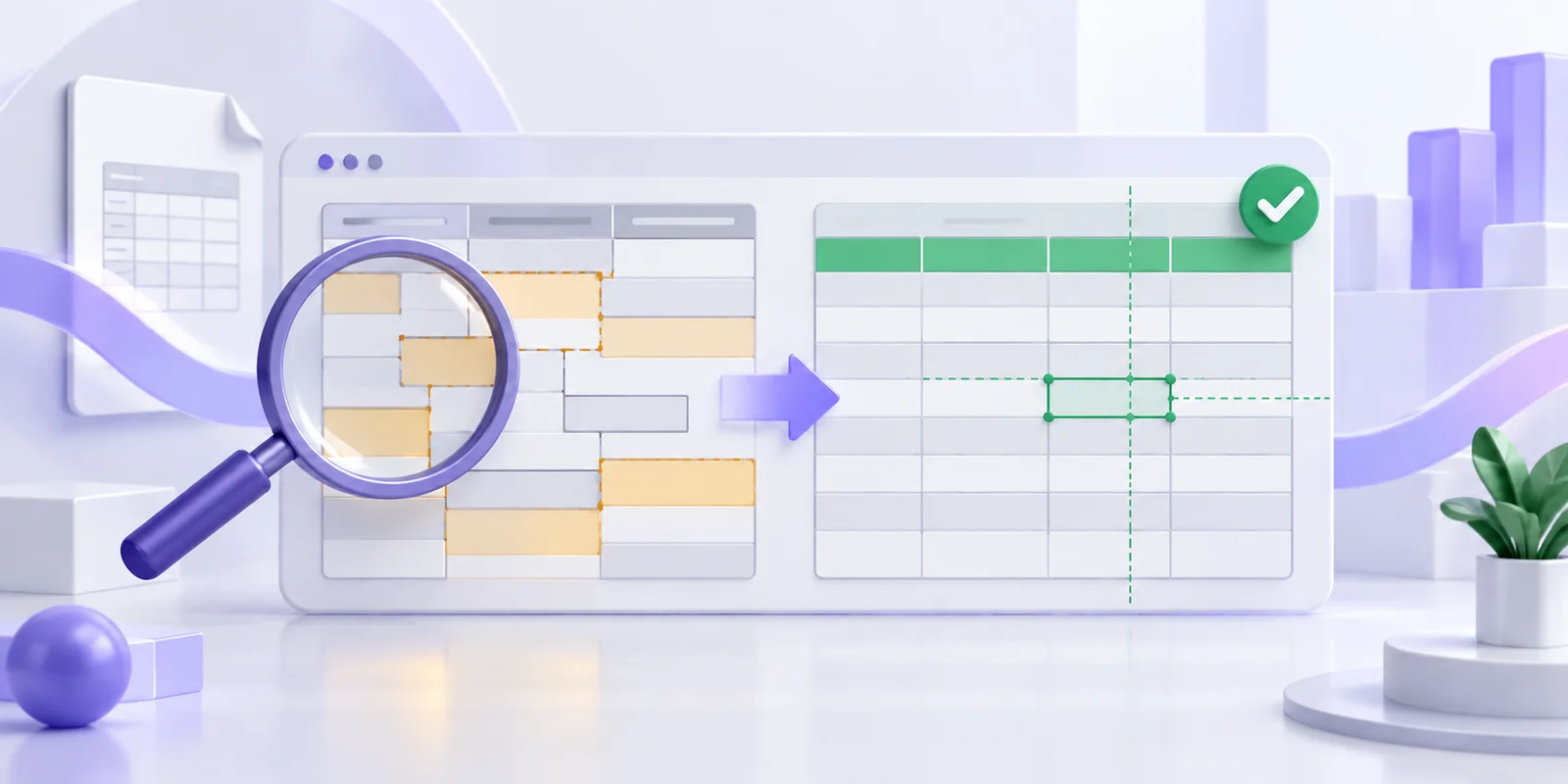
PDF to Excel Columns Wrong? How to Fix Table Extraction
Find out why PDF values move into the wrong Excel columns and how to correct wrapped rows, headers, numbers and identifiers before export.
 Menu
Menu
Extract selectable text from a PDF and save it as plain text. Free uploads up to 4MB, one file at a time. Image-only scanned PDFs need to be converted to images before OCR.
One file at a time · Free: 3 conversions/day, up to 4MB · PDFs with selectable text; image-only scans need an image upload
Try selecting a sentence in your PDF reader first. If you can select it, the PDF contains a text layer that this converter can read. If you can only select the page as an image, save the page as an image and use an image OCR tool instead.
A PDF may contain several columns, unusual fonts, tables or scanned inserts. These can affect reading order and completeness. Review the converted result alongside the original rather than assuming every element has transferred.
Free use includes three conversions per day with a 4MB upload cap. The current uploader accepts one file at a time.

Start with a clear source, then check the output.
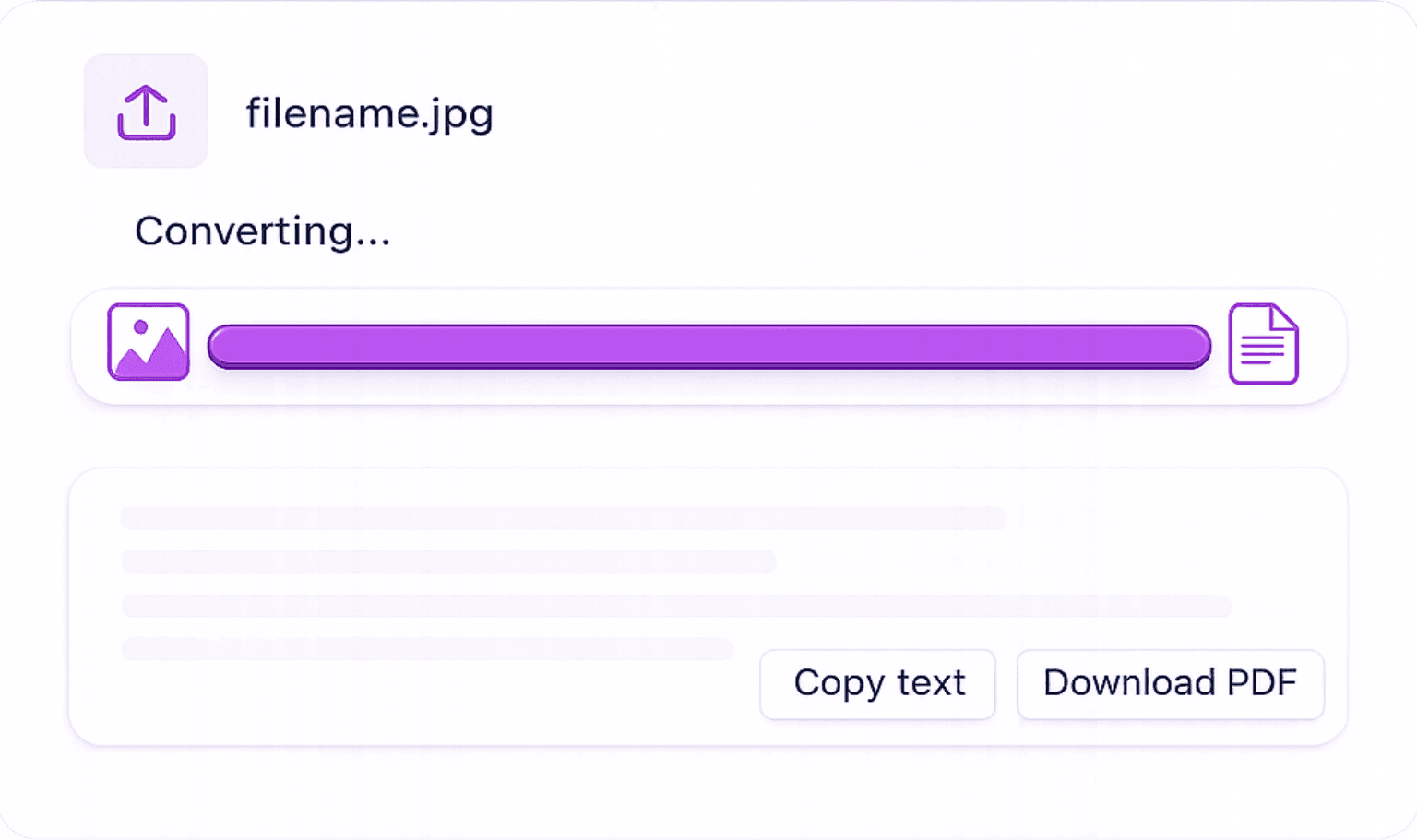
Upload one PDF: Choose a document with selectable text, within your upload allowance.
Read the extracted result: Check spelling, reading order, names and numbers against the source.
Download the result: Save your plain text and open it to check the final formatting.
Choose this tool when you need the text from your document.
Reuse the words in your document without retyping them. Review extraction errors before use.
Upload and download through your browser without installing a desktop converter. OCR processing uses a server.
Start free with three conversions per day and files up to 4MB. Monthly paid allowances are listed on the pricing page.
Preserve the original file and use the conversion as an editable working copy.
Study notes: Extract paragraphs to annotate and organize in your own notes.
Data cleanup: Copy extracted text into your editor or spreadsheet and repair line breaks before importing it.
Records: Copy names and reference numbers, then verify every character before filing.
Supported inputs, output limitations, free use and processing.
Find out why PDF values move into the wrong Excel columns and how to correct wrapped rows, headers, numbers and identifiers before export.

Learn how to extract a table from a digital PDF, review the rows and columns, and download an editable XLSX or CSV spreadsheet.